Top Countdown Timer UI Designs That Actually Look Good
Most timer apps look like they haven't been updated since 2012—all glossy buttons and jarring colors. But a few apps understand that a tool you use every day should be beautiful. Here are the top UI designs that prioritize both form and function.
1. Minimalist Fluid Design
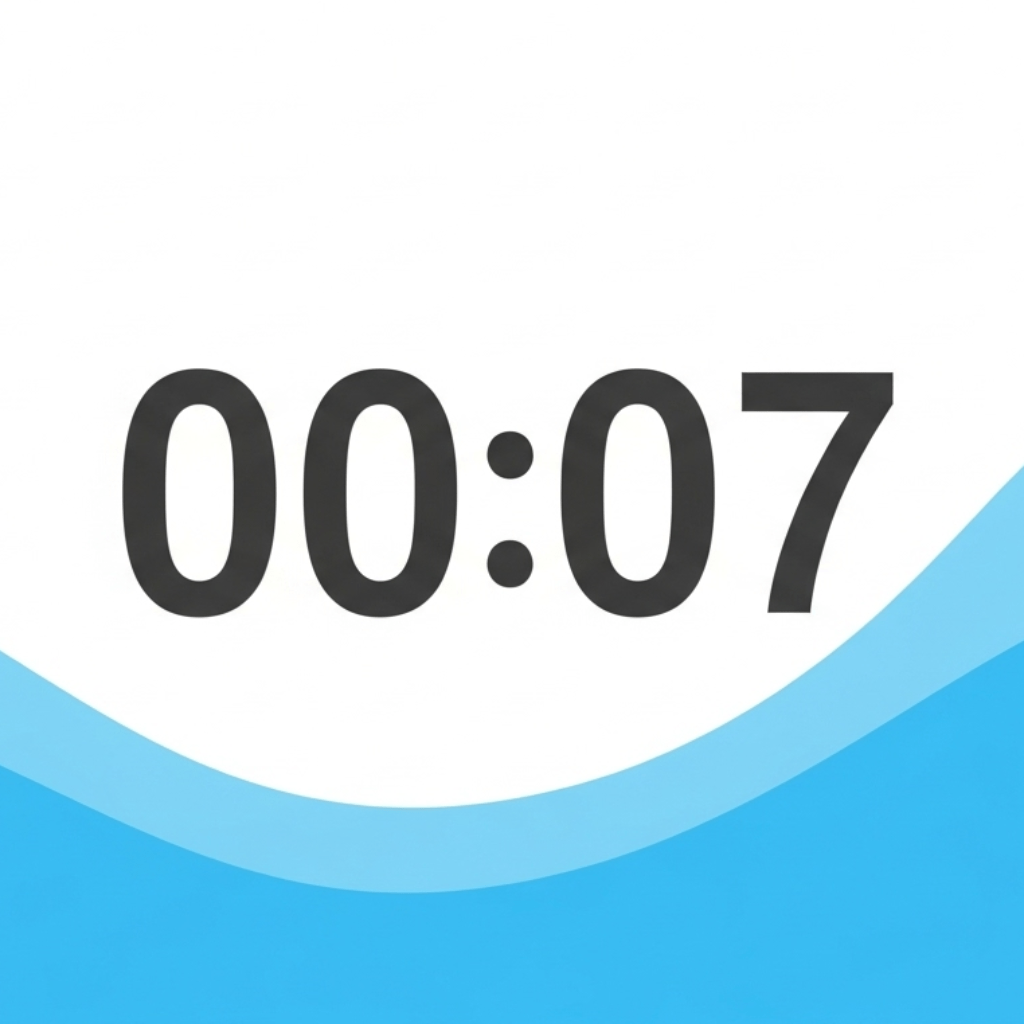
This is the "liquid" approach. It uses smooth, organic animations of flowing color to represent time. It’s calming, sophisticated, and looks great on a high-res screen.
2. The Abstract Geometric
This design uses shrinking shapes, like circles or squares, to represent time. It’s clean, precise, and works well for high-intensity work like coding.
3. Neumorphism and Glassmorphism
Modern UI trends that use soft shadows and translucent layers to make the timer feel like a piece of physical glass or plastic.
The Winner: Liquid Countdown Timer
We believe our Liquid Countdown Timer represents the pinnacle of modern timer UI. Its fluid animations are not just for show; they provide a more intuitive and relaxing way to understand time. It’s designed to be a piece of art on your desk as much as a tool for your work.
See the beautiful design for yourself at our homepage.