How I Use a Visual Timer to Beat ADHD Task Paralysis
We’ve all been there: you have a list of things to do, but instead of doing them, you sit on the couch staring at your phone, feeling a mounting sense of dread. This is task paralysis. For those of us with ADHD, it’s not laziness—it’s an executive function glitch. Our brains can't decide where to start, so they just shut down.
Here is how I use a visual timer to "jumpstart" my brain and break the freeze.
The "Just Five Minutes" Hack
The hardest part of any task is starting. When I'm paralyzed, the idea of "cleaning the kitchen" is too big. My brain treats it like a threat.
To bypass this, I set a visual timer for exactly 5 minutes. My only rule is that I have to do something related to the task until the timer runs out. Because I can see how short 5 minutes is on the visual display, it feels safe. The threat is gone.
The Power of the "Visual Nudge"
Once I start, the visual timer acts as a "nudge." I don't have to keep checking the clock to see if I'm "done yet." I can see the liquid or disc slowly receding in my peripheral vision. This keeps me in the "doing" mode rather than the "checking" mode. Usually, by the time the 5 minutes are up, the paralysis has broken, and I'm ready to set a longer timer.
Why Our Liquid Timer is the Perfect Tool
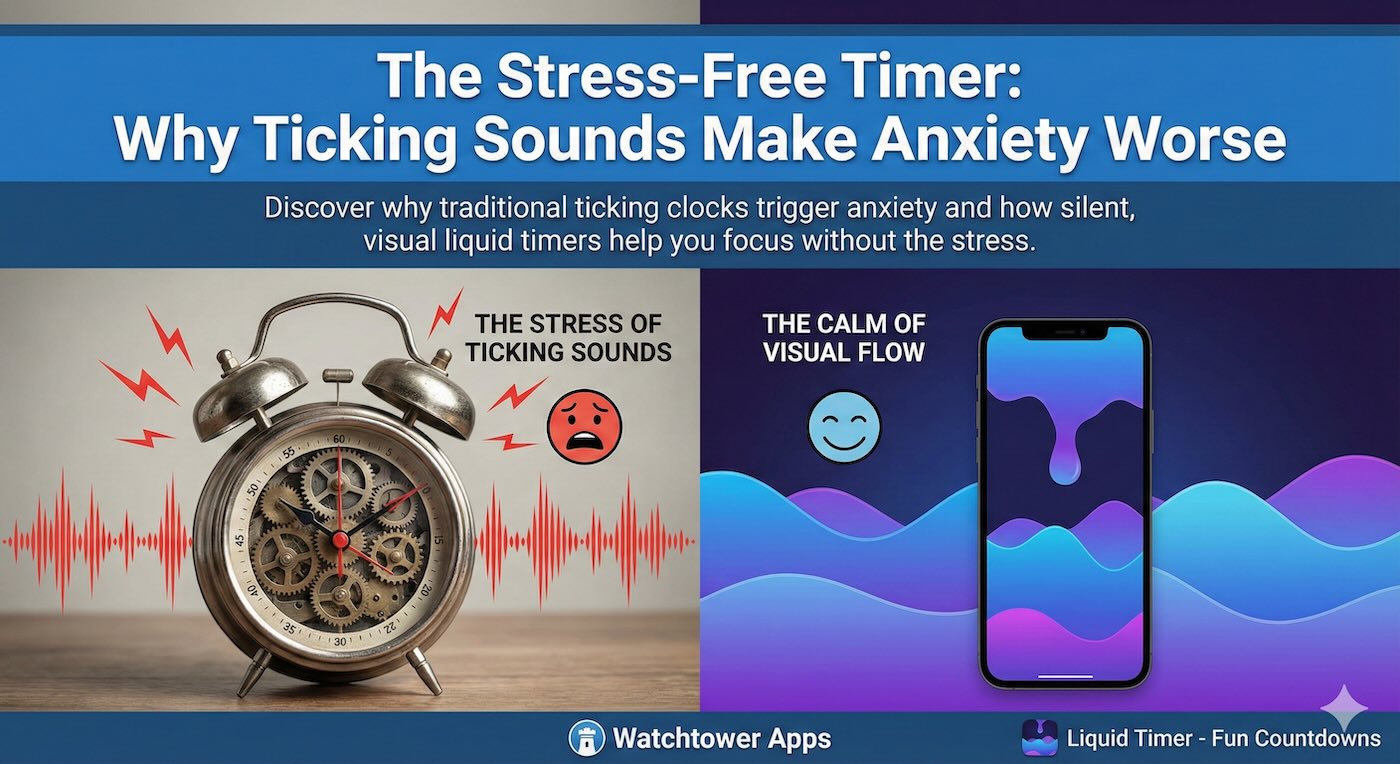
Traditional alarms can be jarring and might even trigger more anxiety, leading back into paralysis. A visual countdown is silent and gentle.
The Liquid Countdown Timer is specifically designed to be a calming presence on your desk. The smooth flow of time helps reduce the "limbic friction" of starting a difficult task. It turns a scary deadline into a manageable, visual flow.
Don't let task paralysis win today. Set a small visual goal on our homepage and watch the paralysis melt away.