Analog vs. Digital Visual Timers: The Ultimate UX Comparison
When choosing a visual timer, you often have to decide between a physical (analog) device and a software (digital) app. Each has its own User Experience (UX) profile, and the best choice depends on your specific needs.
The Case for Analog (Physical)
- Tactile Feedback: There is something satisfying about physically turning a dial or flipping a device.
- Always-On: A physical timer doesn't need to be "opened" or "swiped." It’s just there on your desk.
- Zero Distraction: It has no notifications and doesn't tempt you to check your email.
The Case for Digital (Software)
- Infinite Customization: You can change colors, sounds, and preset durations with a tap.
- Portability: Your timer goes wherever your phone or laptop goes.
- Accessibility: Digital timers can provide high-contrast modes, screen reader support, and large displays.
The Best of Both Worlds
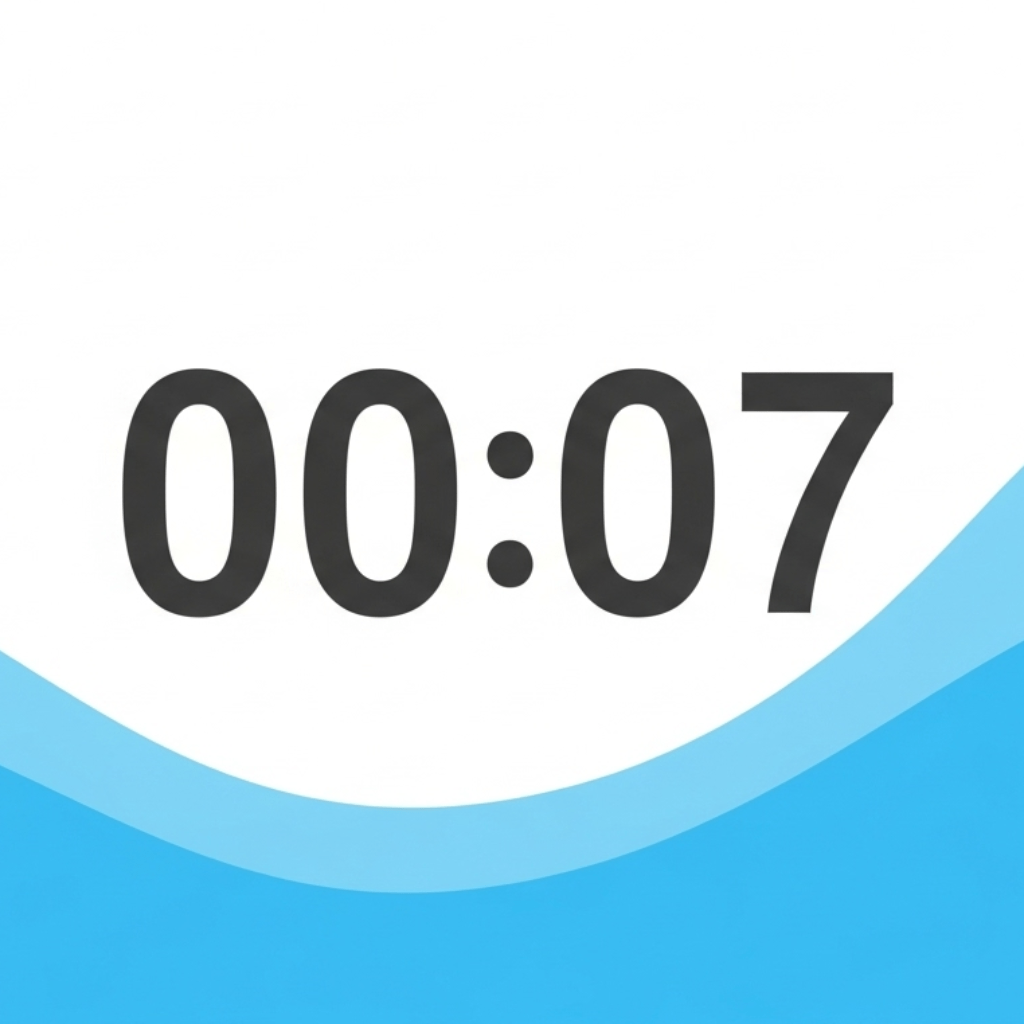
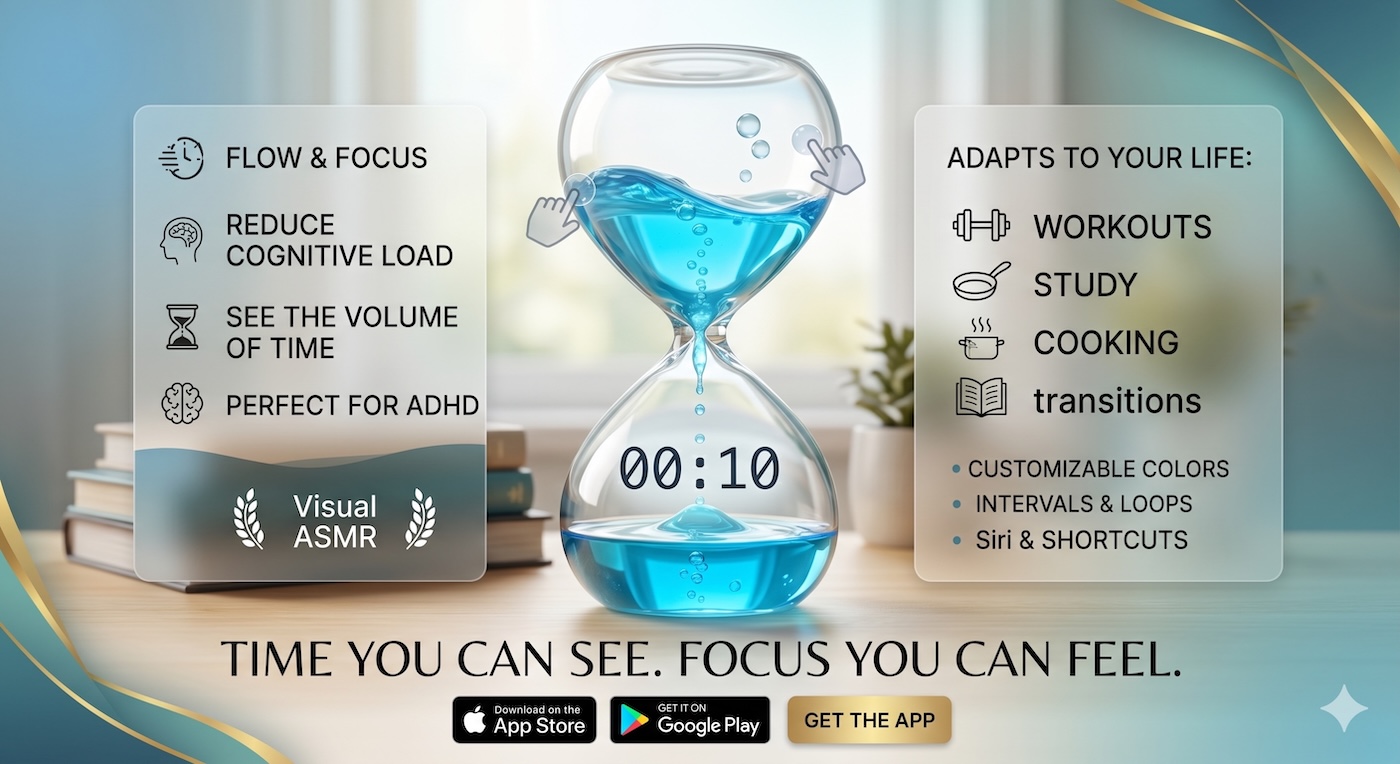
Our Liquid Countdown Timer is designed to bridge this gap. It provides the beautiful, fluid feeling of an analog tool with all the convenience and customization of a digital app. It’s the perfect UX solution for the modern professional.
Experience the best UI/UX in timing on our homepage.