How I Taught Myself to Code by Visual Timeboxing My Practice Sessions
Learning to code is hard. You spend hours staring at a screen, wrestling with bugs and abstract concepts. It’s easy to get frustrated and quit when you hit a wall. For a long time, I struggled to make progress because I would get "lost" in a single problem for four hours and end up feeling completely drained.
I finally reached my goal of becoming a developer by using visual timeboxing for every study session.
The "Problem-Solving" Container
I started setting 45-minute visual timers for my coding practice. During these 45 minutes, nothing exists except the code.
Seeing the liquid slowly draining helps me stay "anchored" to the problem. If I get stuck on a bug, the timer reminds me that my time is limited, which pushes me to look for a solution or a different approach rather than just staring blankly at the screen. It turns the abstract frustration of coding into a manageable, visual sprint.
Protecting Your "Brain Heat"
Coding requires intense concentration. When you take a break, your "brain heat" (the mental model of the code) starts to cool down. I use a 5-minute visual timer for my breaks to ensure that I don't stay away too long. Seeing the "rest time" disappearing reminds me to get back into the code while the model is still fresh.
The Liquid Countdown: Your Coding Partner
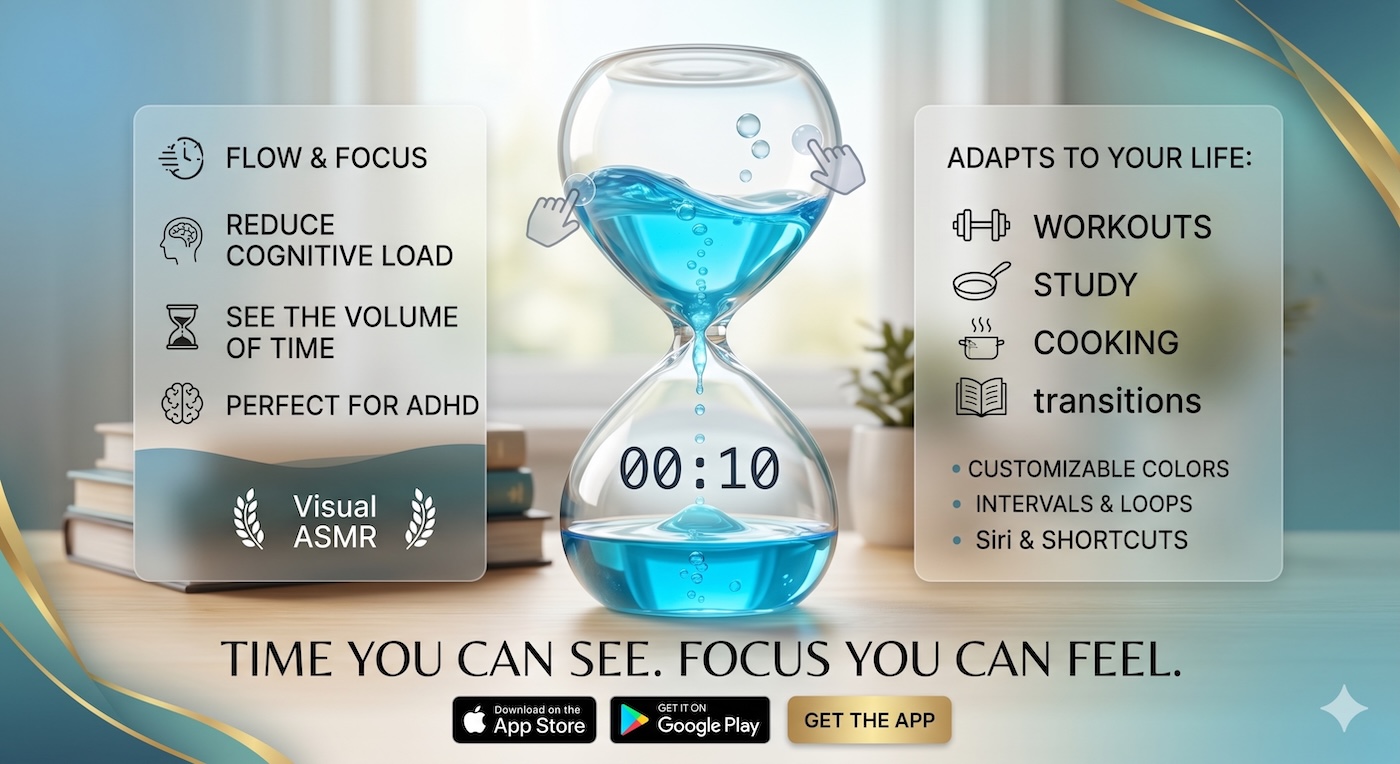
Our Liquid Countdown Timer is designed to live on your screen alongside your IDE, providing a constant, silent reminder of your focus block. It’s the perfect tool for any self-taught developer looking to master their time and their craft.
Ready to build your first app? Head over to visualcountdowntimer.com and set your first "Coding Sprint."