Why I Banned Phone Alarms and Switched to a Visual Timer for Deep Work
If you’re serious about Deep Work, your phone is your biggest enemy. For a long time, I used my phone's "Clock" app as my timer. But I realized that every time I picked up my phone to set a timer or check the remaining time, I was exposing myself to a minefield of distractions. One notification on the lock screen is all it takes to kill a deep work session.
I finally banned phone alarms and switched to a dedicated visual timer on my desk.
The "Check-In" Distraction
Deep work requires total immersion. When you use a phone timer, the time is hidden. You have to "wake up" the phone to see how much time is left. This "checking" action pulls you out of your task. Even if you don't click on a notification, your brain has been "interrupted."
A visual timer is always on. You don't have to touch it to know where you are. You can see the time remaining in your peripheral vision while your hands stay on your keyboard. This keeps you in the "deep work" zone for longer.
Eliminating the "Alarm Anxiety"
Phone alarms are often jarring and loud. They create a "startle response" that is the opposite of a productive flow.
A visual countdown is a silent, elegant companion. It doesn't scream at you; it simply shows you the end. This reduces the subconscious anxiety of "waiting for the alarm to go off," allowing you to fully commit to the task at hand.
The Liquid Countdown: Your Deep Work Partner
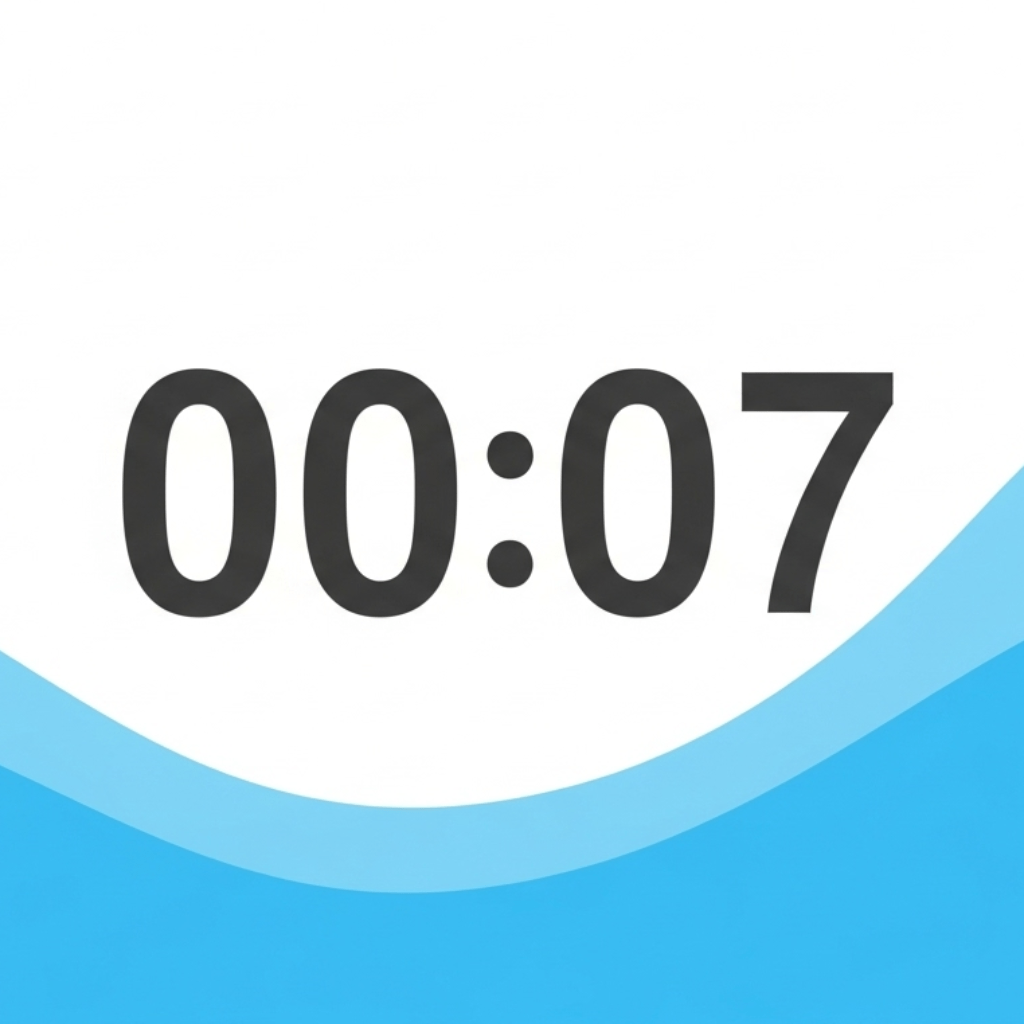
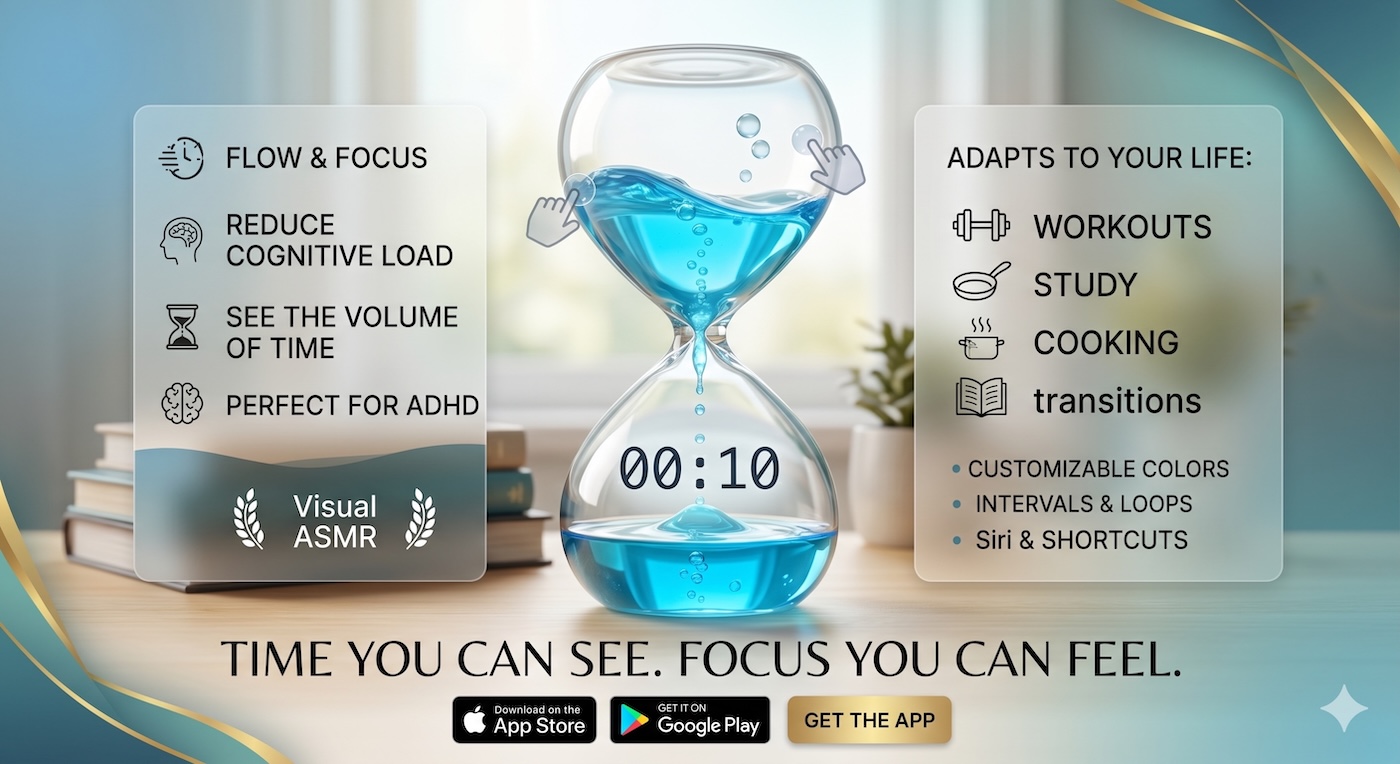
Our Liquid Countdown Timer was designed to be the ultimate deep work tool. By running it in a dedicated browser tab or as a window on your desktop, you keep the time visible without the distractions of your phone. It turns your workspace into a focus-driven environment.
Ready to take your deep work seriously? Ditch the phone distractions and try a visual anchor at visualcountdowntimer.com.