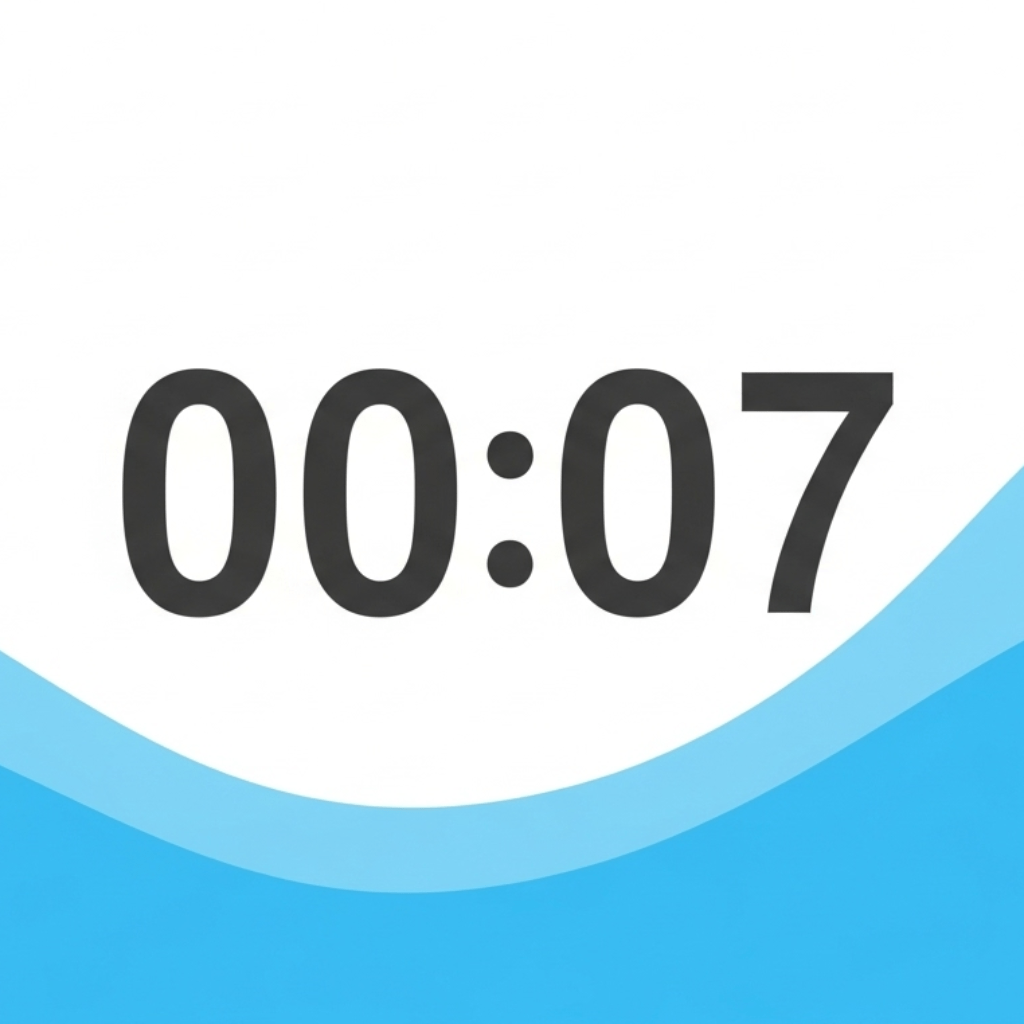
How to Show a Child What Five More Minutes Means
When you say “five more minutes,” show what the time will look like as it passes. A visual timer gives you something to point to while you explain what comes next.
Try it before putting away toys
- Open the 5-minute visual timer for kids. Choose Drain liquid under More options → Open settings if you want the level to fall toward zero.
- Say what happens when the time ends. For example, “We can play while the water is still here. When it’s gone, we’ll put the blocks in this box together.”
- Press Start and leave the display where your child can see it. At zero, go back to the agreed next step and help them begin.
Try the animation and sound together during a low-pressure moment. Choose No Alarm if an alert is distracting, or turn off Show Remaining Time to leave only the visual cue during the countdown.
Use a shorter timer for one small job
Open a 2-minute tidy-up timer and choose one job, such as putting the blocks in their box. Use the ending to check what remains together. For taking turns, give each person a separate 1-minute countdown.
Open the visual timer for kids to choose a different duration or copy a link for another caregiver.