My Secret to Inbox Zero: The 20-Minute Visual Timer Sprints
For a long time, my inbox was where my productivity went to die. I would open it to check one thing and get sucked into a two-hour battle of replies, CCs, and threads. My inbox was never "finished," and I was constantly stressed by the number of unread messages.
I finally reached (and maintained) Inbox Zero by using 20-minute visual sprints.
The "Email Triage" Method
I now only open my email twice a day. For each session, I set a 20-minute visual timer. This is the "Triage Sprint."
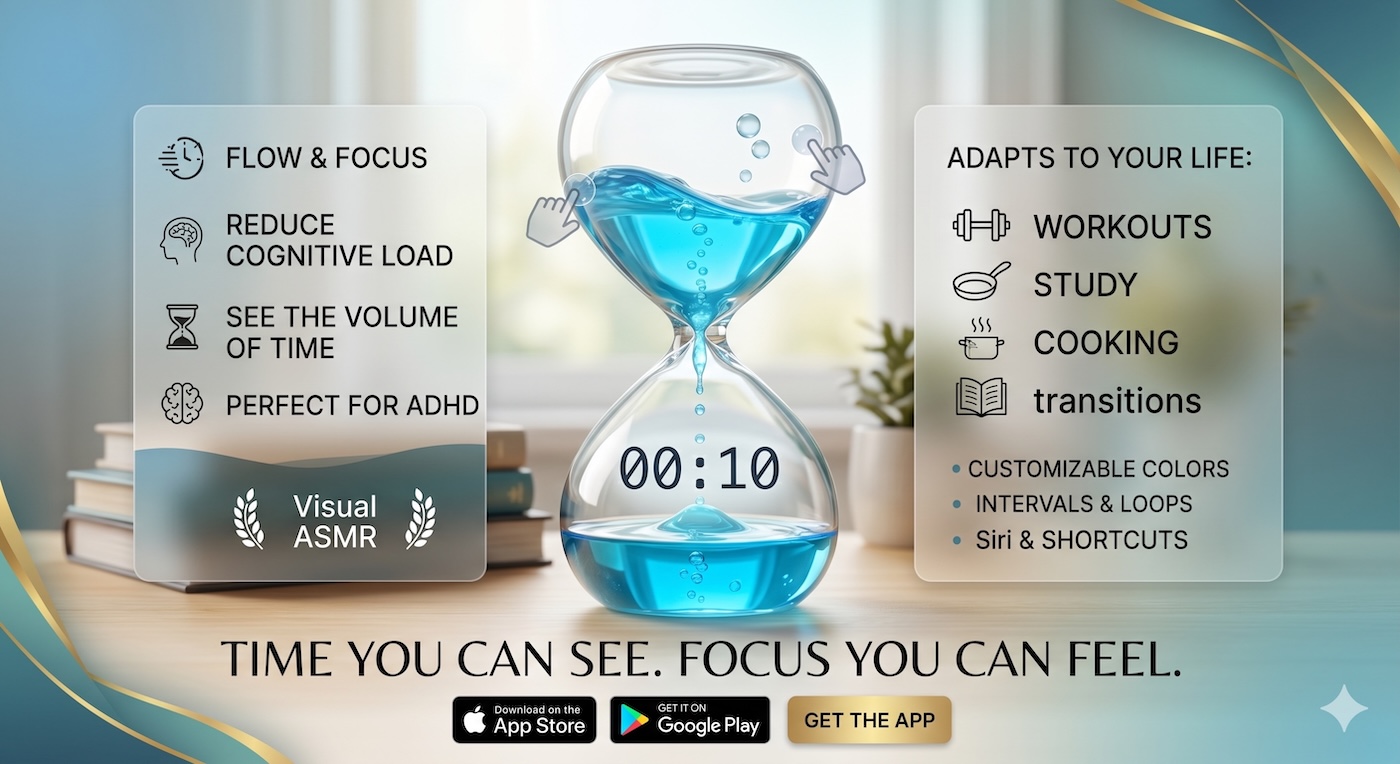
Seeing the liquid draining creates a sense of "good urgency." I don't "over-think" my replies. I follow the 2-minute rule: if it takes less than 2 minutes, I do it. If it takes longer, I schedule it or archive it. The visual boundary prevents me from getting lost in a thread. When the color is gone, the inbox is closed. No exceptions.
Reclaiming Your Mental Space
Reaching Inbox Zero isn't about the emails; it’s about the mental space. By using a visual timer to contain my email time, I’ve freed up hours of my day for actual work. I no longer feel the "guilt" of the unread count because I know I have a scheduled, visual sprint to handle it.
The Liquid Countdown: Your Productivity Guardrail
Our Liquid Countdown Timer is the perfect tool for maintaining your digital boundaries. Its clear, smooth animation helps you stay focused and efficient in the face of even the busiest inbox. It turns a source of stress into a manageable, visual challenge.
Ready for a clean slate? Visit visualcountdowntimer.com and set your first 20-minute "Inbox Sprint."