How I Built Better Boundaries With Email Using Visual Countdowns
For most professionals, email is a "reactive" task that fills the gaps between other work. But if you aren't careful, the gaps can become the entire day. I used to leave my inbox open all day, responding to every notification as it arrived. I was "busy," but I wasn't getting any deep work done.
I finally reclaimed my workday by timeboxing my email using a visual timer.
The 30-Minute Email Sprint
I now only check email three times a day. For each session, I set a 30-minute visual timer. This is my "Email Sprint."
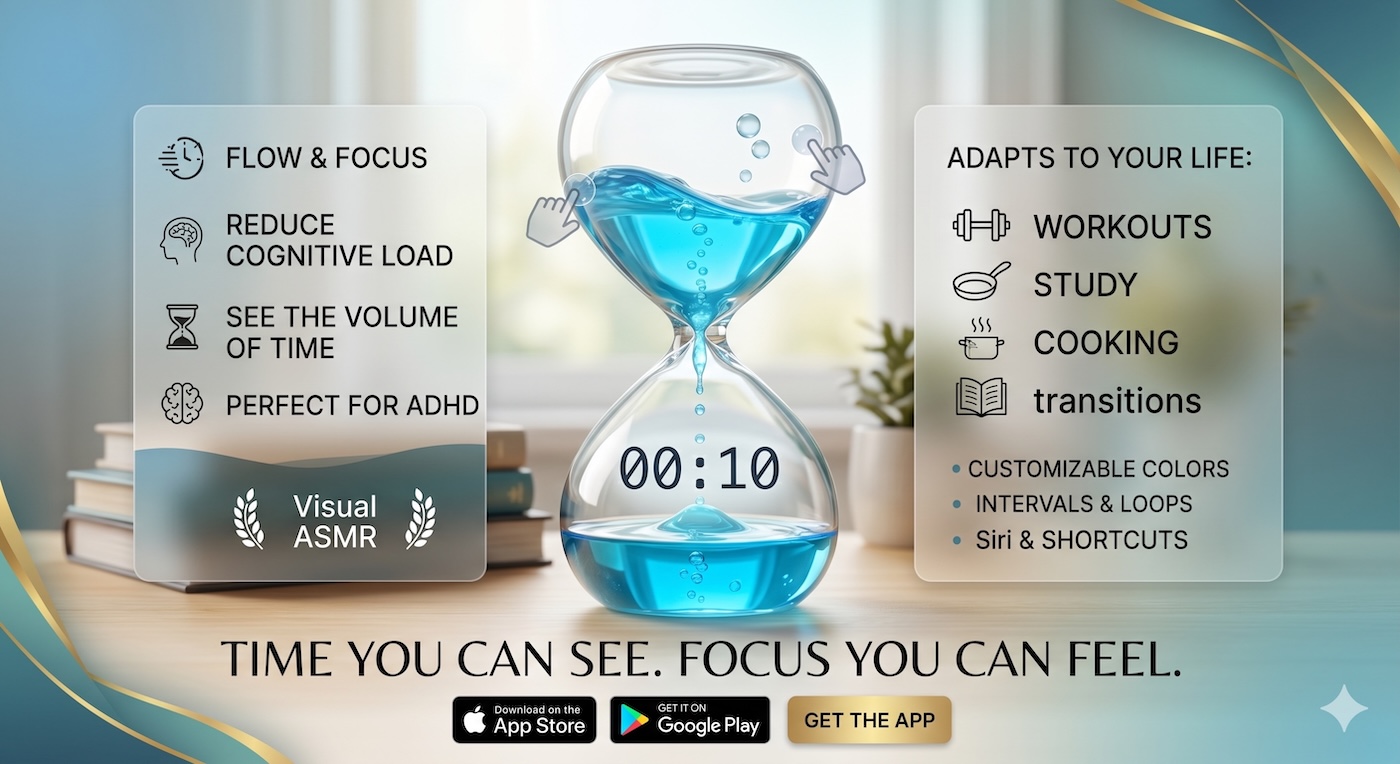
Seeing the liquid draining creates a "good urgency" that pushes me to be decisive. I don't "mull over" messages; I respond, archive, or delete. The visual boundary prevents me from getting lost in a thread or following a distracting link. When the color is gone, the inbox is closed.
Protecting Your Deep Work
By using a visual timer to contain my email, I protect the rest of my day for deep work. I no longer feel the "tug" of the inbox because I know exactly when my next "email box" is scheduled. The visual timer provides the structure I need to stay in control of my attention.
The Liquid Countdown: Your Professional Guardrail
Our Liquid Countdown Timer is designed to live in a dedicated tab or as a window on your desktop, providing a constant reminder of your current "box." It’s the perfect tool for maintaining professional boundaries and maximizing your productivity.
Tired of being a slave to your inbox? Visit visualcountdowntimer.com and set your first 30-minute email sprint.