Homework Hero: Breaking Assignments into Liquid Chunks
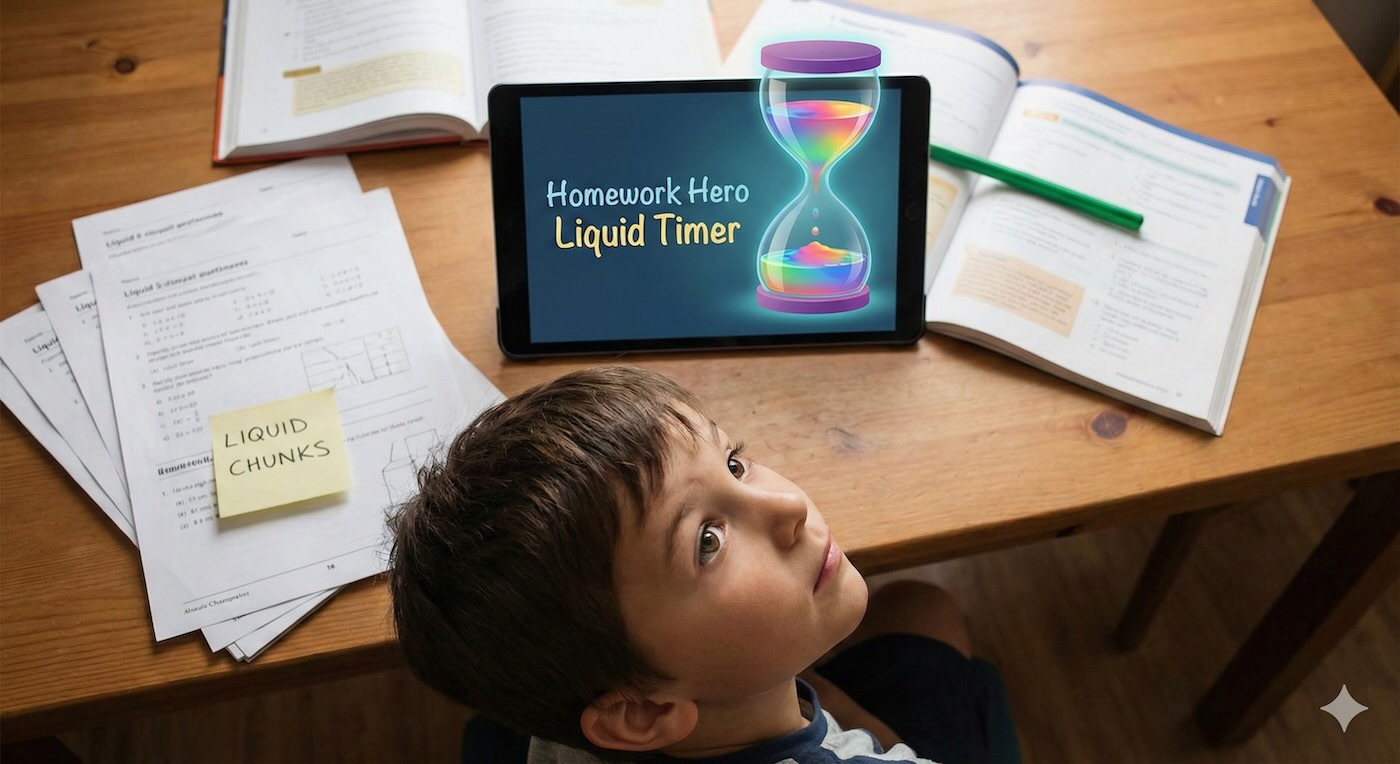
Every parent knows the "Homework Stare." It’s that look when a child sits in front of a worksheet, overwhelmed, doing absolutely nothing. The battle to get started often takes longer than the homework itself.
Furthermore, staring at a digital clock (like 19:59, 19:58) doesn't help. It just reminds them that they are "stuck" there. They need to see time moving to understand that the task has an end.
You might have heard of the Pomodoro Technique (working for 25 minutes, resting for 5). While great for adults, mechanical kitchen timers can be too loud or stressful for sensitive kids.
Using a Liquid Timer allows you to adapt this technique specifically for children:
- Make the Time "Real": Instead of an abstract number, the child sees a "block" of liquid. When the liquid is gone, the work is done. It turns a scary mountain into a small, shrinking puddle.
- The "Focus" Flow: The gentle animation of liquid dropping provides a "soft focus." It is calming rather than alarming, helping kids settle into their chair without the panic of a ticking clock.
- Visual Breaks: Use the timer for breaks, too! Seeing the "break time" liquid refill or drain gives them a clear boundary so they know exactly when it's time to sit back down.
Our Liquid Countdown Timer transforms homework from a chore into a visual game. It creates a silent, structured environment where children can see their progress without being distracted by numbers.
You can let your child pick their favorite colors for "Work Mode" and "Break Mode," giving them a sense of control over their study time.
You can try our tool right now on your browser without installing anything. Just visit our visual homework timer